
Connect Slack to WorkMind
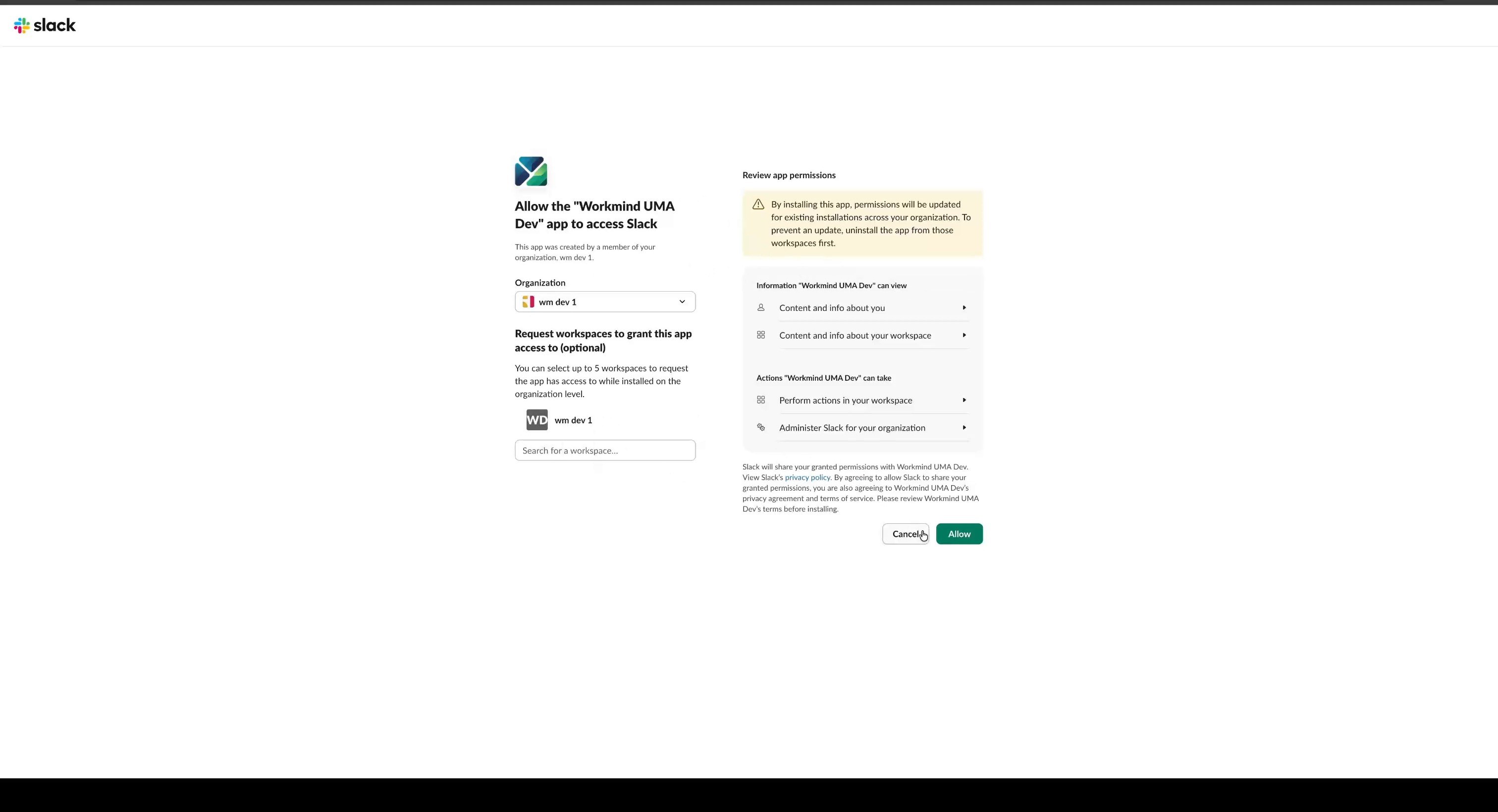
Connect your Slack workspace to WorkMind and authorize the requested access.
Sign in to WorkMind and make sure you have permission to install apps in your Slack workspace. For role-based provisioning after the connection is complete, see Sync BambooHR roles with UMA.
Connect Slack
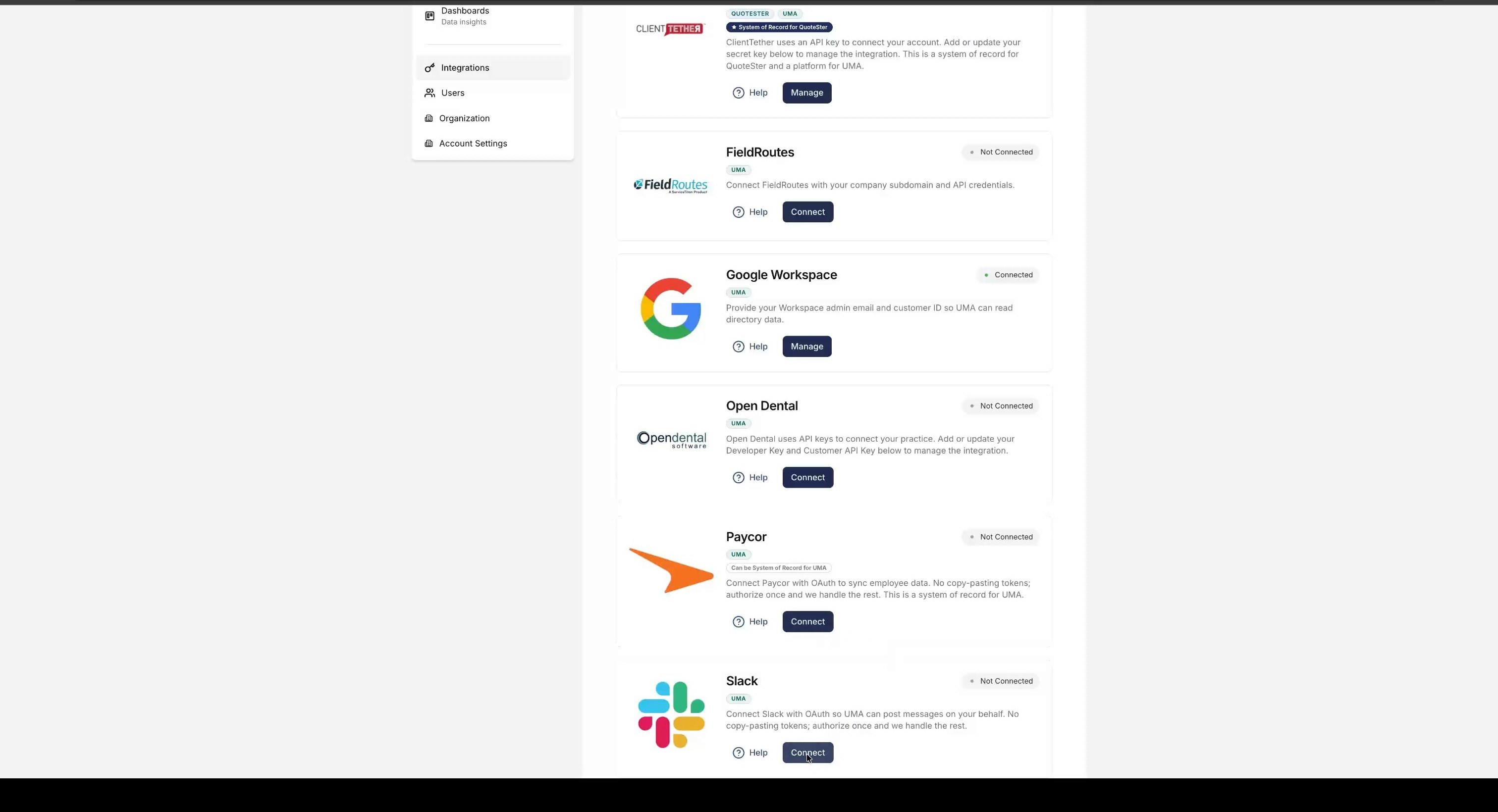
In WorkMind, open Integrations and click Connect next to Slack.
Review the requested permissions and click Allow.