

Known ClientTether Issues
ClientTether-side issues to review before importing or configuring data.
These issues originate in ClientTether and are outside WorkMind’s control. Review the checks here before proceeding; additional documented issues can be added to this page.
Orphaned Bid Types
Warning: Before importing or configuring, check ClientTether's UI and record any affected bid types so the issue can be tracked. WorkMind cannot identify orphaned bid types from ClientTether API data.
Orphaning is uncommon, but worth checking before work begins. It can result from a deletion issue or from a bid type that originated in an account later removed from the ClientTether organization tree.
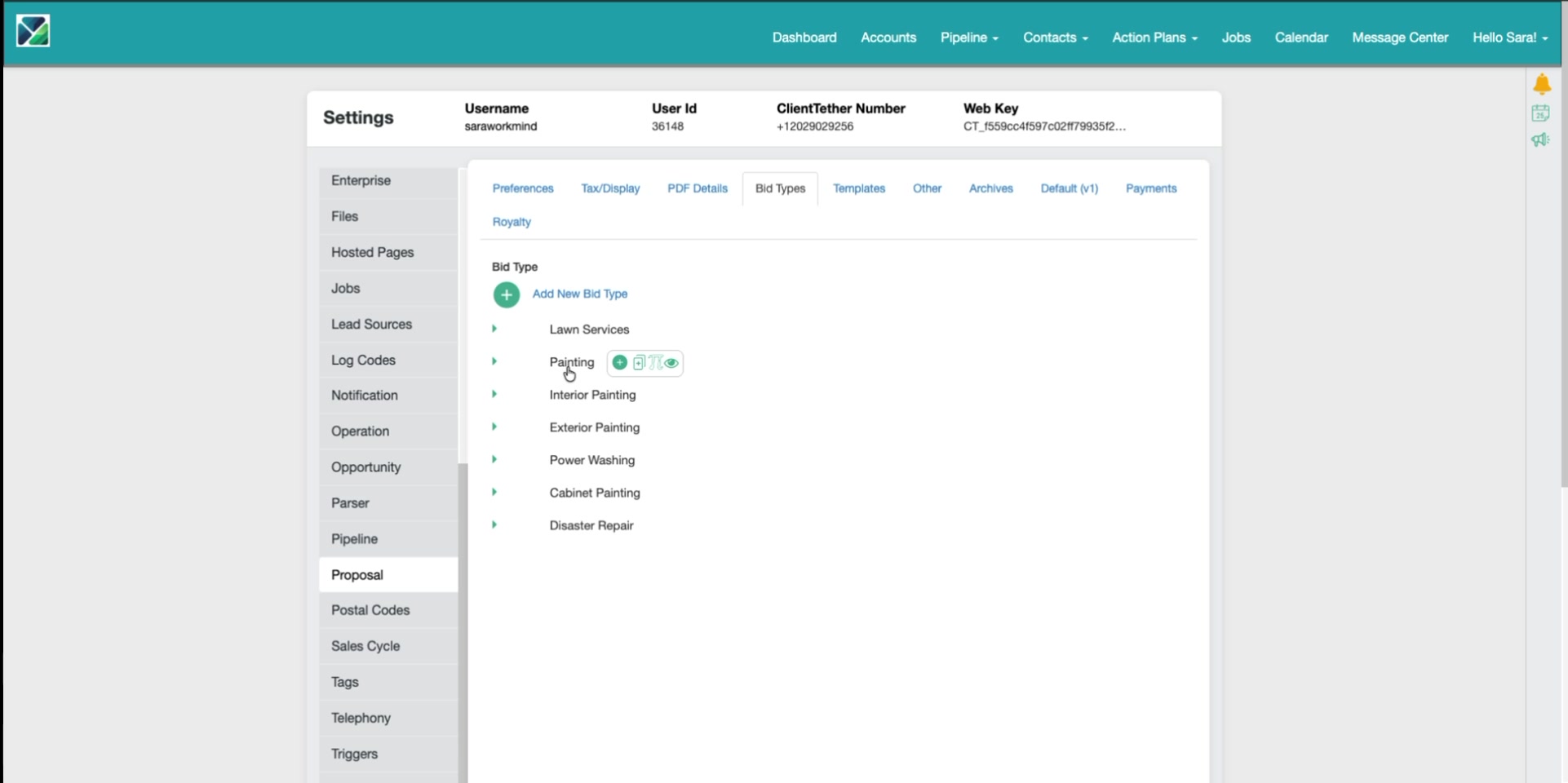
Step 1: Check the Bid Type Controls
Hover over the bid type in ClientTether. If no Edit or Delete/Remove option appears, treat it as a warning sign. It may be an orphaned bid type, including one left behind by a deletion issue or imported from an account no longer in the organization tree.
Step 2: Check Categories and Line Items
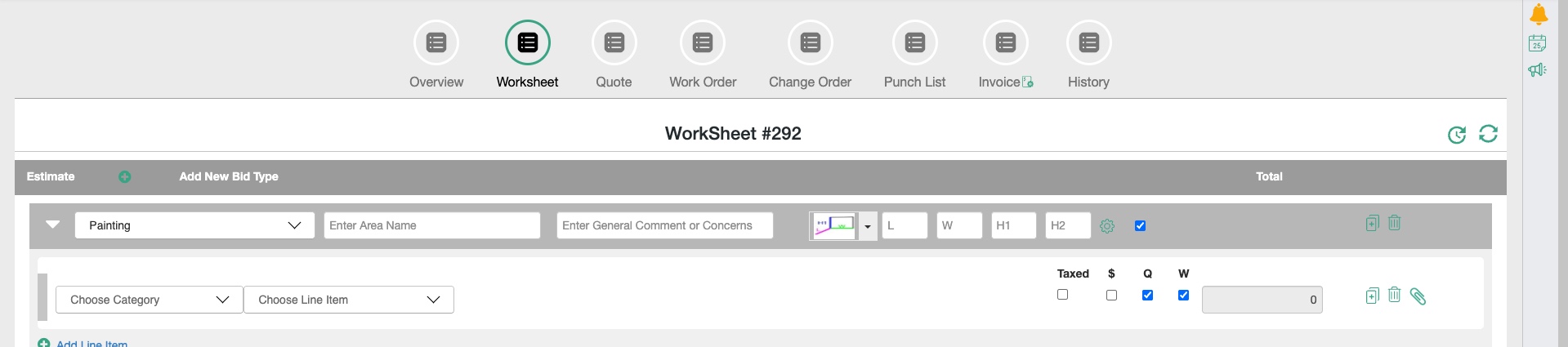
Open the bid type in ClientTether settings and confirm its categories and line items are present. Then select Start a Bid, choose the bid type, and confirm the expected category and line-item choices appear in the proposal. Missing or unexpected choices are another warning sign. Both signs can occur together, so check the controls and the category/item behavior.
The ClientTether API can still send categories and line items to WorkMind without identifying the bid type as orphaned. WorkMind cannot detect the issue from API data; these checks in the ClientTether UI are the only way to catch it. Give active, functional bid types clear, unique names so they are easy to distinguish from orphaned entries.
Duplicate Names
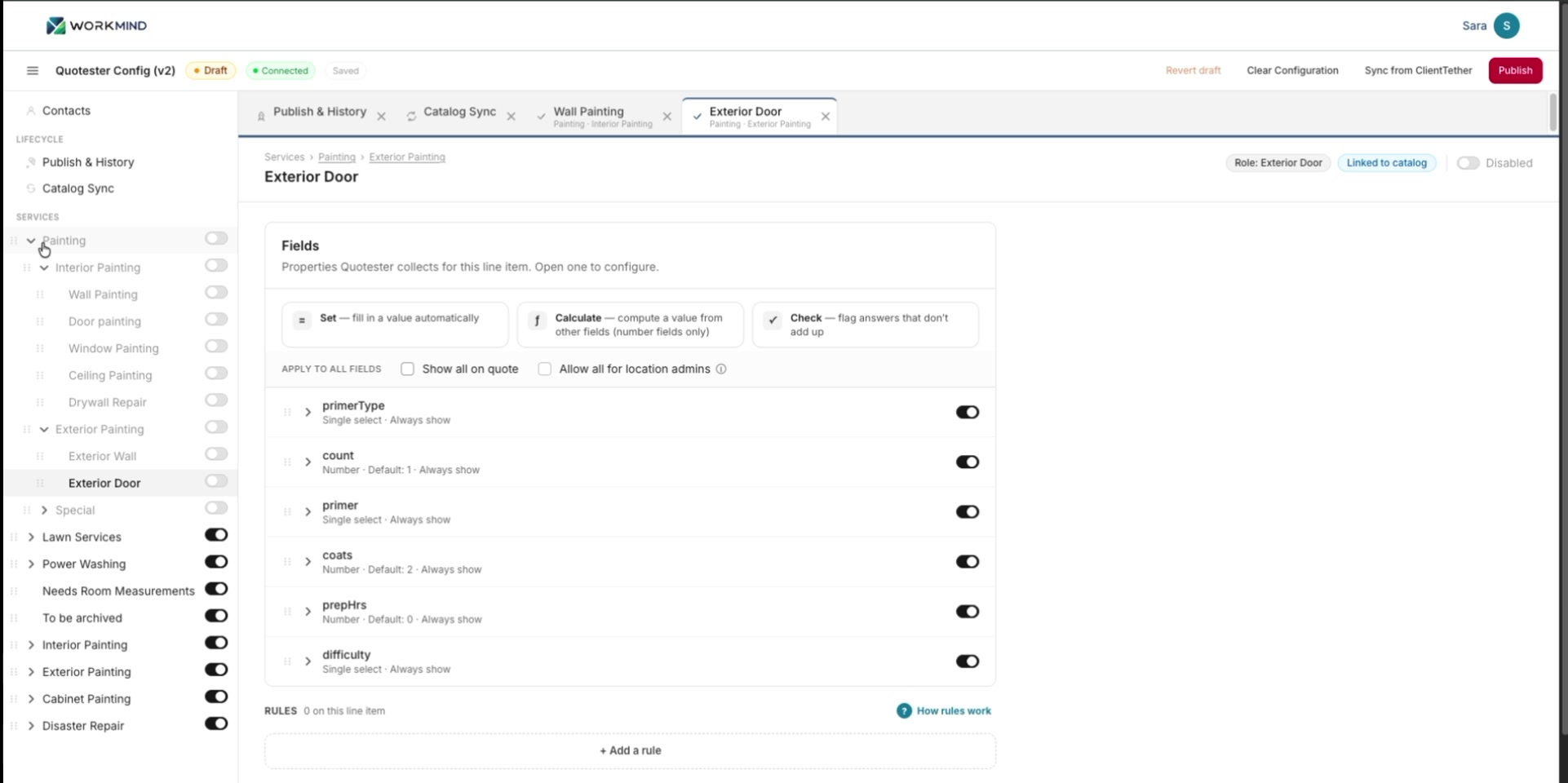
ClientTether allows identical names for bid types, categories, and line items, including within the same bid type or category. Repeated names can be intentional, such as Primer Type or Paint Type appearing in different parts of a painting workflow. The risk is when identical names make separate records hard to distinguish.
For example, a company may have an older Hard Flooring bid type with legacy categories and line items, then create a rebuilt bid type with the same name. That makes it harder to tell which one to select in ClientTether and QuoteSter.
WorkMind imports the names and records exactly as ClientTether provides them; it cannot infer which duplicate you intend to use. Before importing or configuring, identify the specific bid types, categories, and line items you need. We strongly recommend giving them clear, distinct names wherever duplicates could cause confusion. You can clean up or rename records in ClientTether, but that is not required if your team can reliably identify the intended records.
Apply this check in the [QuoteSter import workflow](/docs/quotester-configuration/#review-duplicate-names).