

Connect ClientTether to WorkMind
Partner API credentials and account connection.
Both enterprise accounts and sub-accounts use Partner Access credentials. Create the credentials in the ClientTether account you want to connect, then enter them in WorkMind.
Create Partner Access Credentials
Use the same Partner Access workflow for an enterprise account or a sub-account. For a franchisee or unit, create the credentials inside that specific ClientTether sub-account.
In ClientTether, open the Hello account menu under your name.
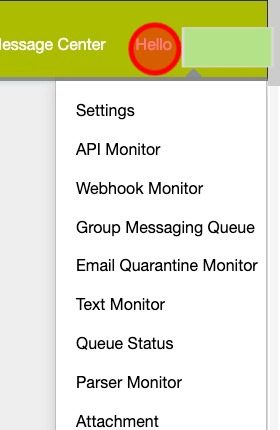
Select Settings.
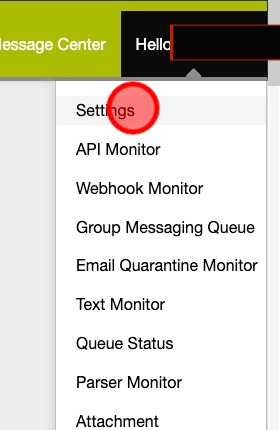
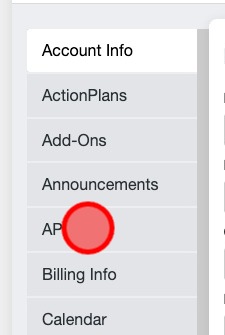
Select API from the settings menu.
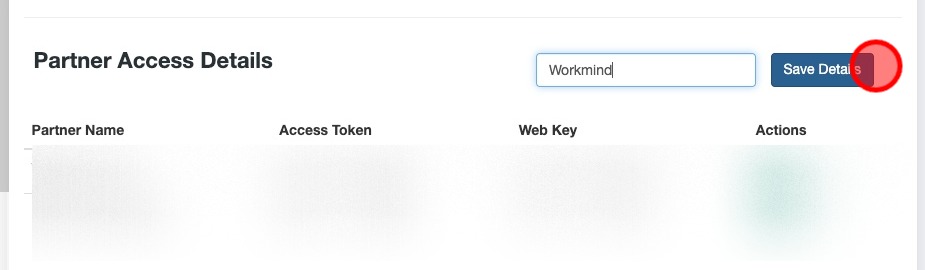
In Partner Access Details, enter Workmind as the partner name.
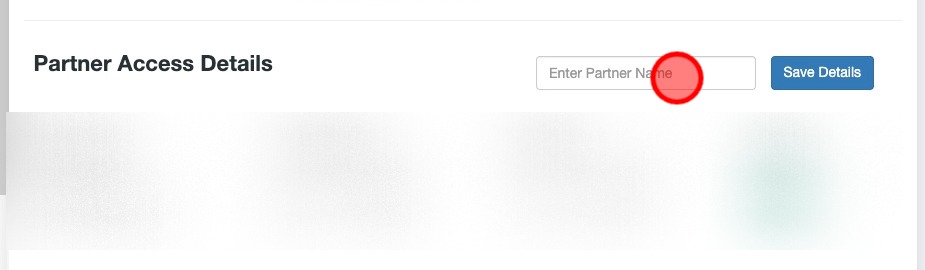
Click Save Details to create the Partner Access entry.
Click the Partner Access Token to copy it.
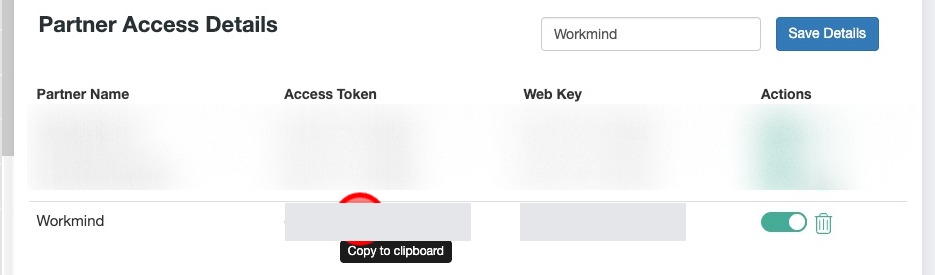
Use the Partner Access Token and Partner Web Key from this entry for both account types, not the general account Access Token or Web Key.
Connect the Account in WorkMind
In WorkMind, select the organization or unit for the ClientTether account you are connecting, then open Secrets.
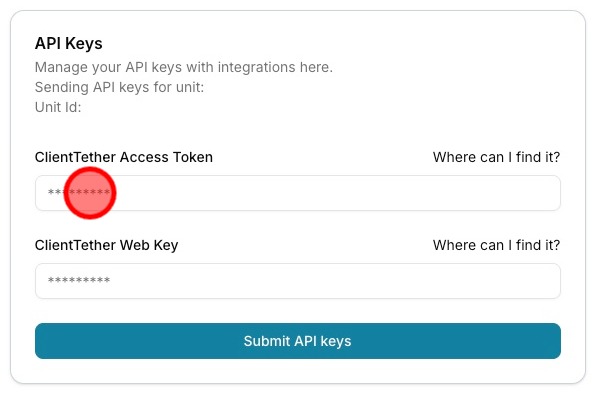
Paste the Partner Access Token into the ClientTether Access Token field.
Return to the Partner Access entry in ClientTether and click the Partner Web Key to copy it.
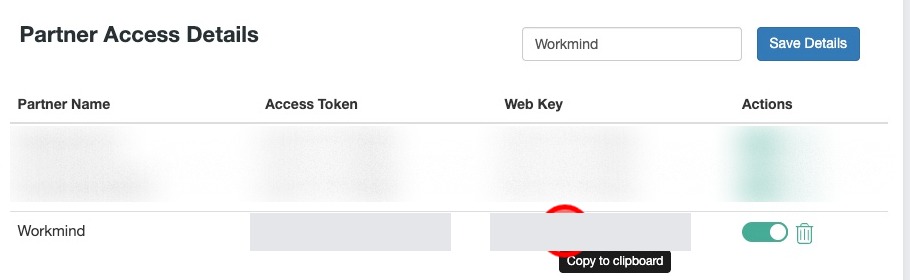
Paste the Partner Web Key into the ClientTether Web Key field in WorkMind.
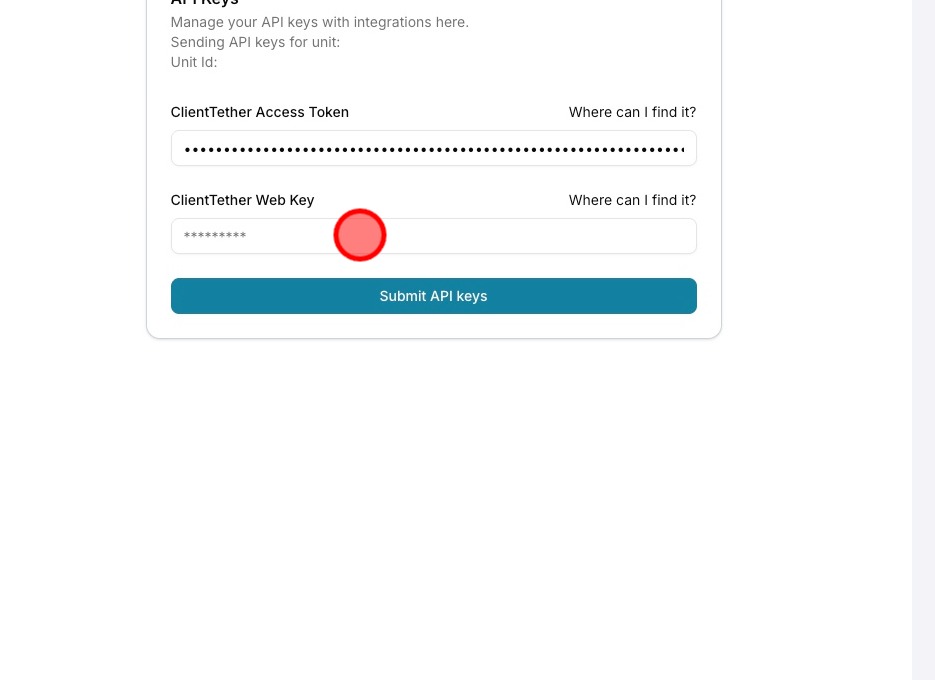
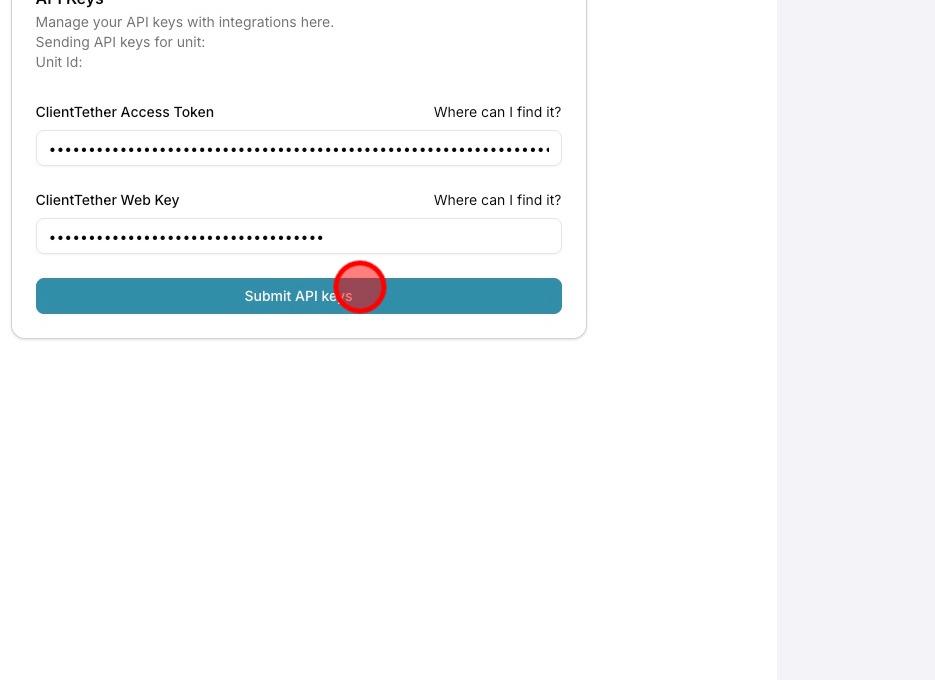
Click Submit API keys to submit the credentials.
Keep both credentials private. Do not include them in shared screenshots or public documentation.