

Connect BambooHR to WorkMind
Connect your BambooHR account to WorkMind and authorize the integration.
Already have a BambooHR account? Follow these steps to connect it to WorkMind. To create an account first, see Create a BambooHR account.
Connect BambooHR to WorkMind
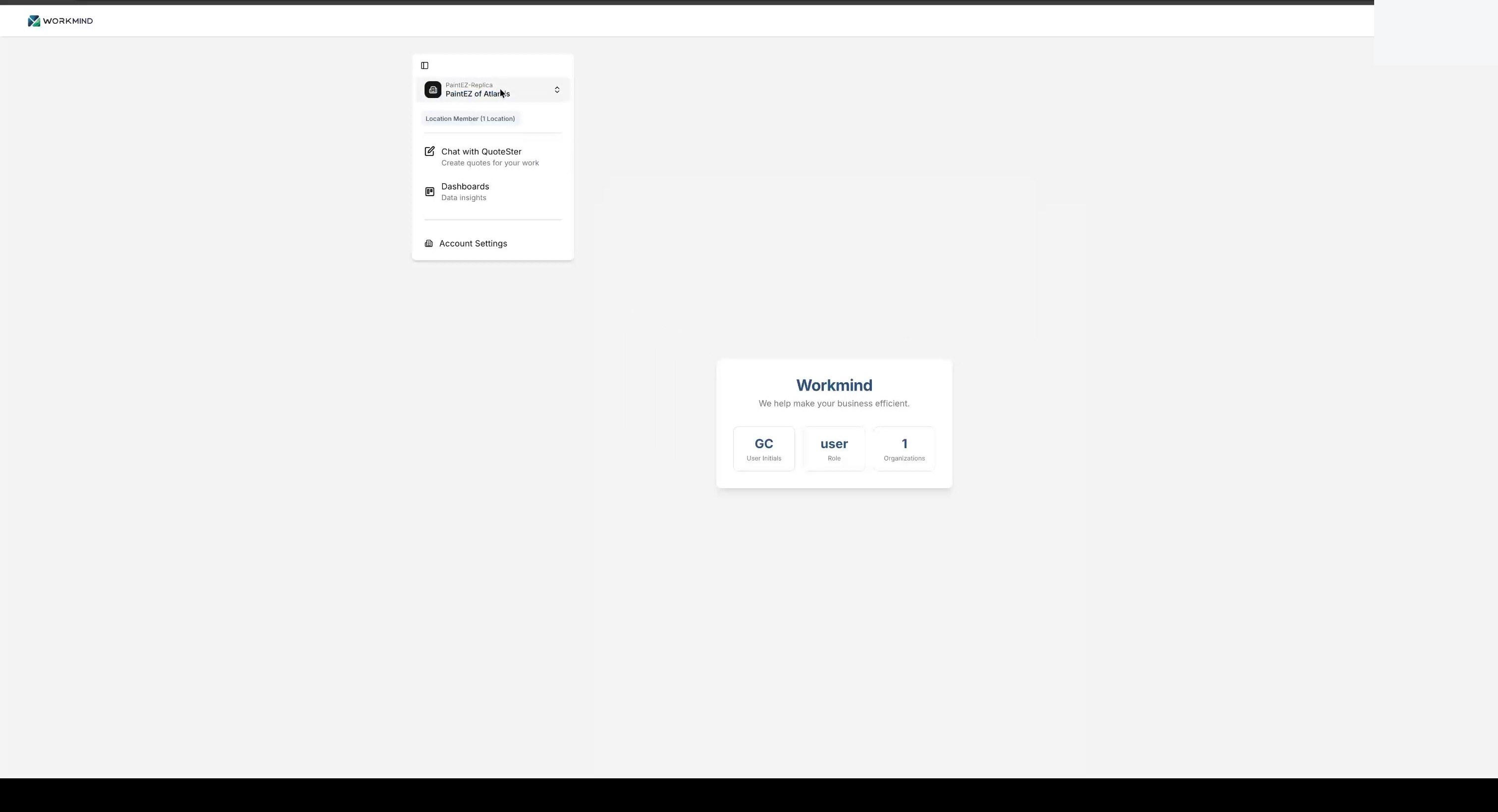
Sign in to your main WorkMind administrator account.
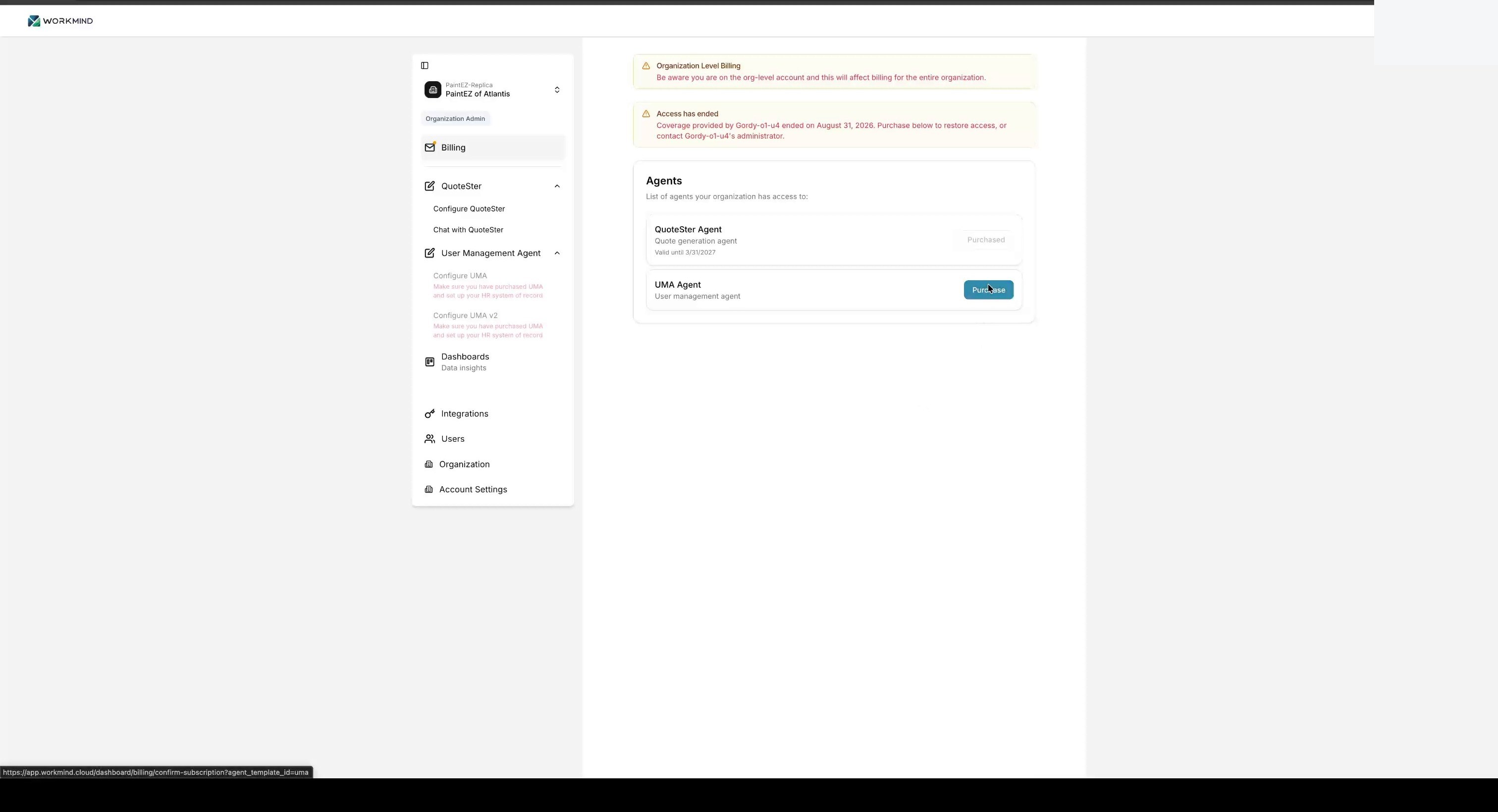
Open Billing, choose Purchase, and add the UMA service to your account.
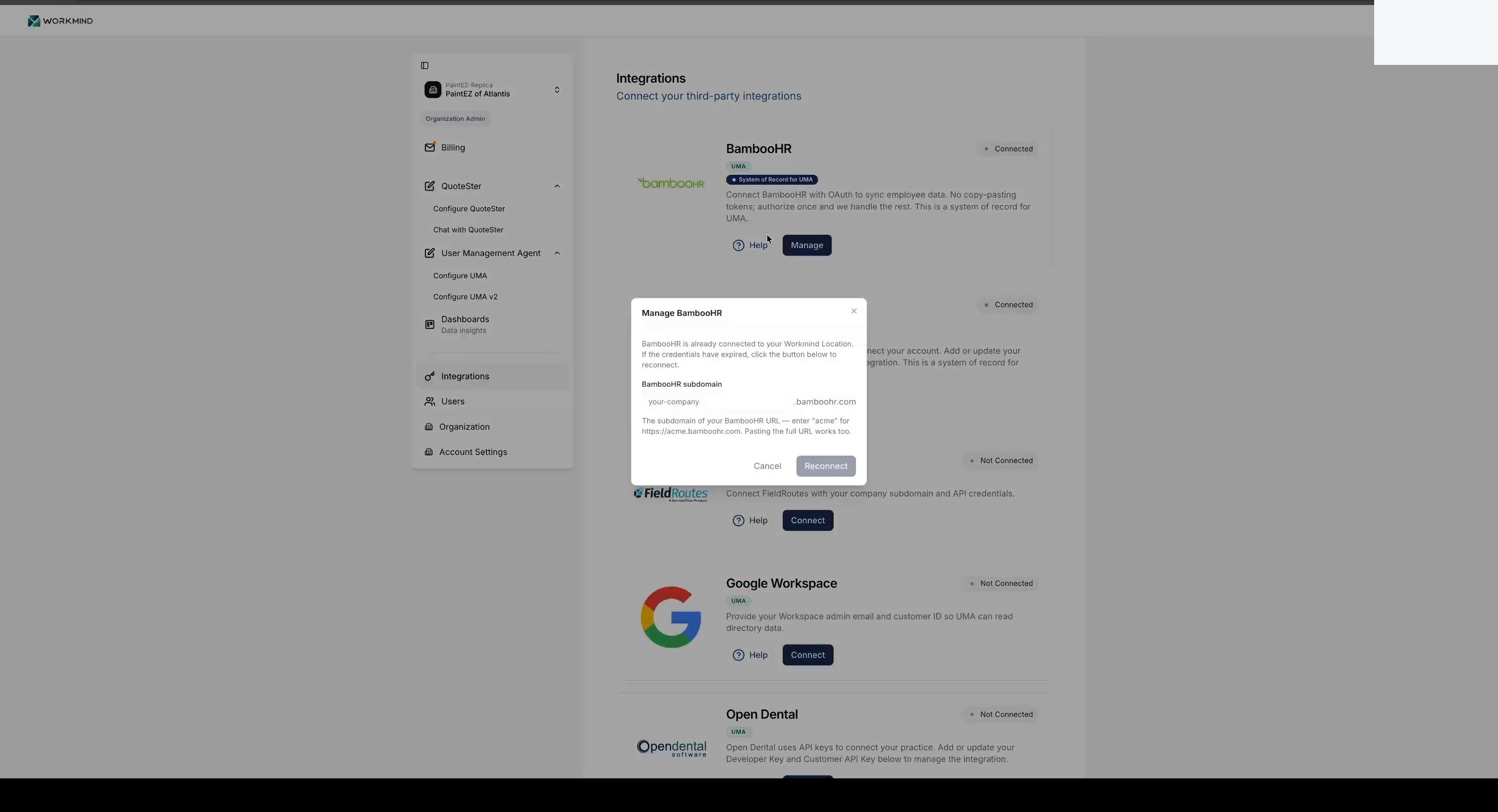
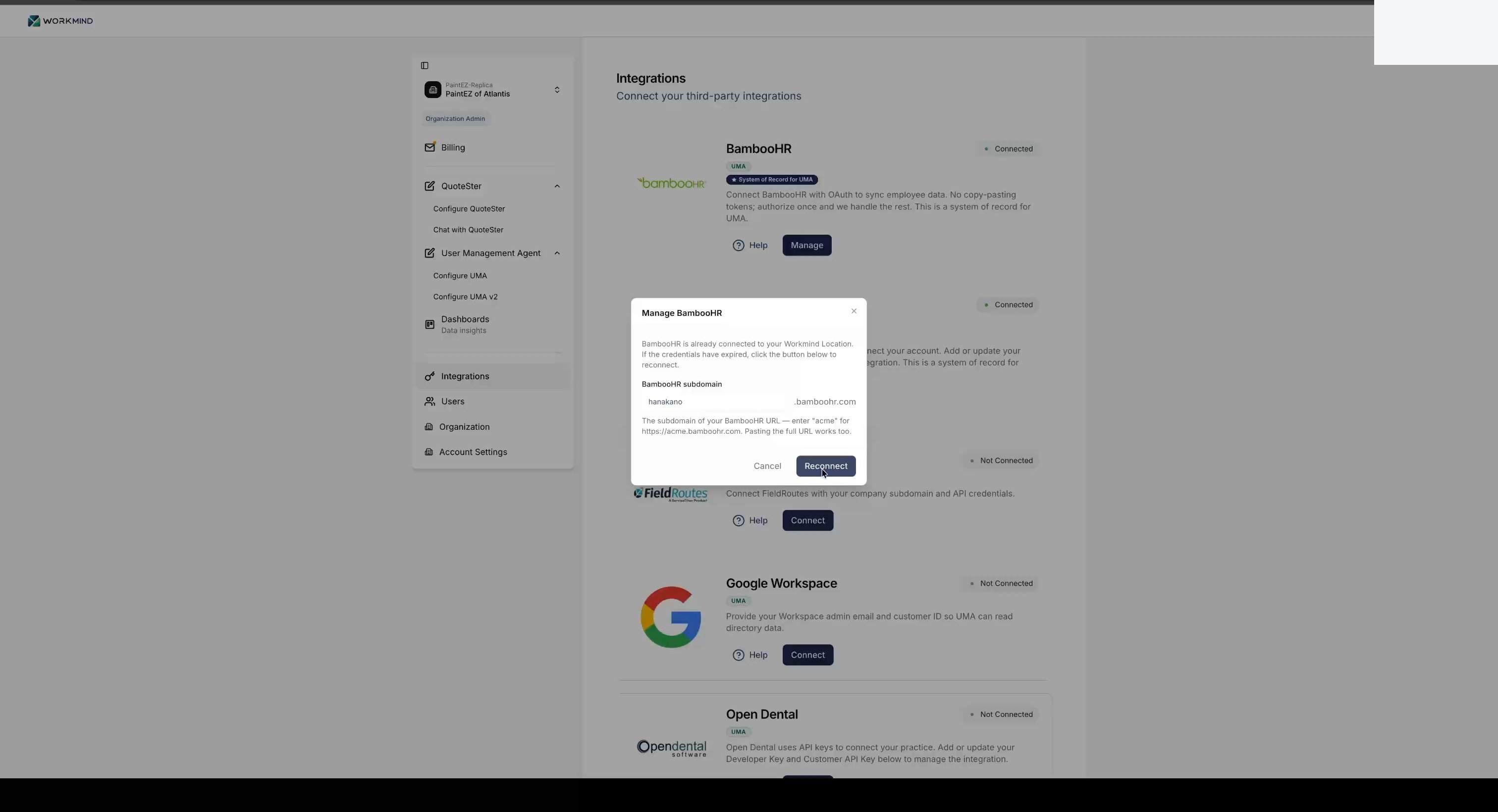
Open Integrations and click Connect next to BambooHR.
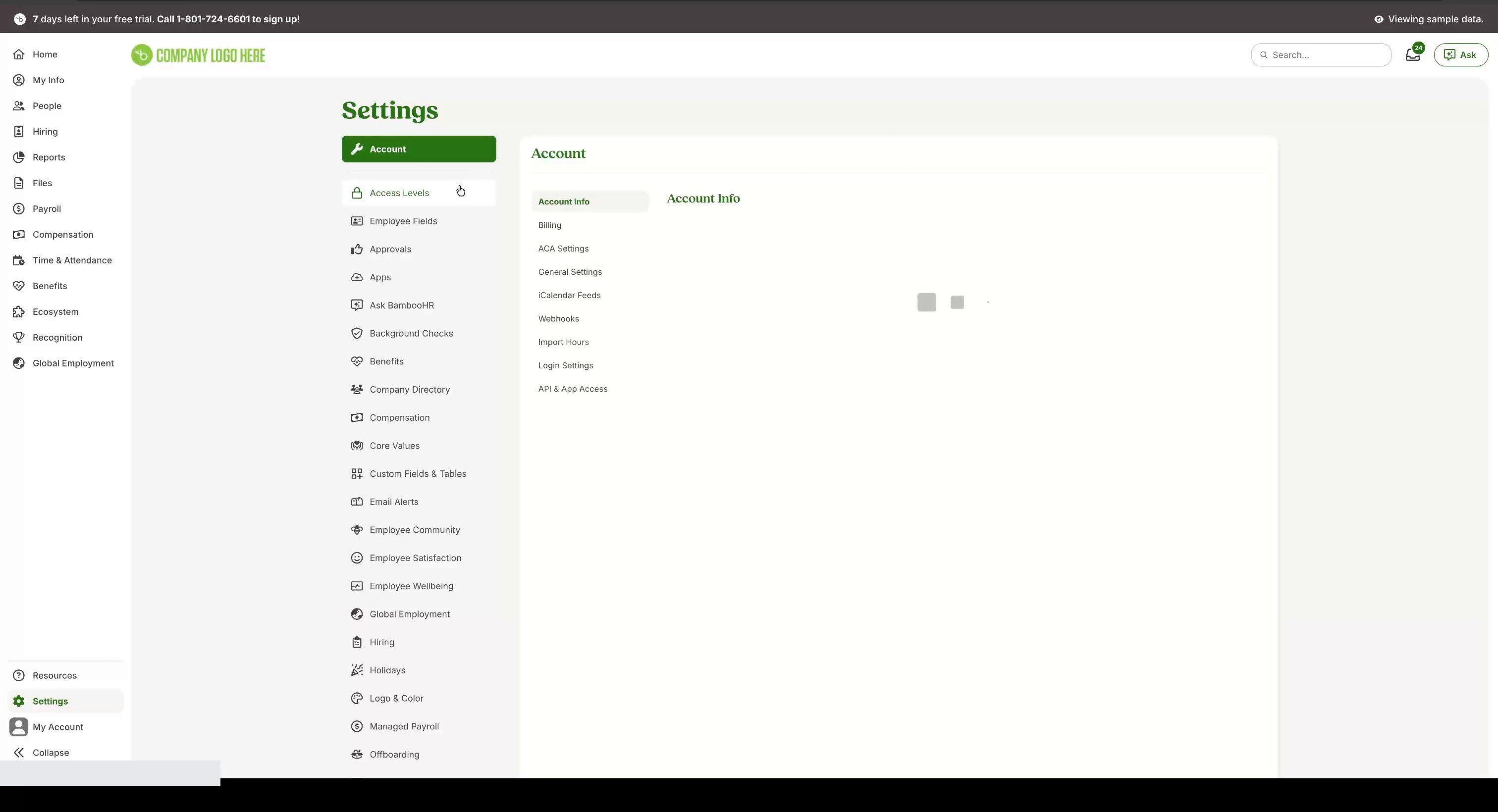
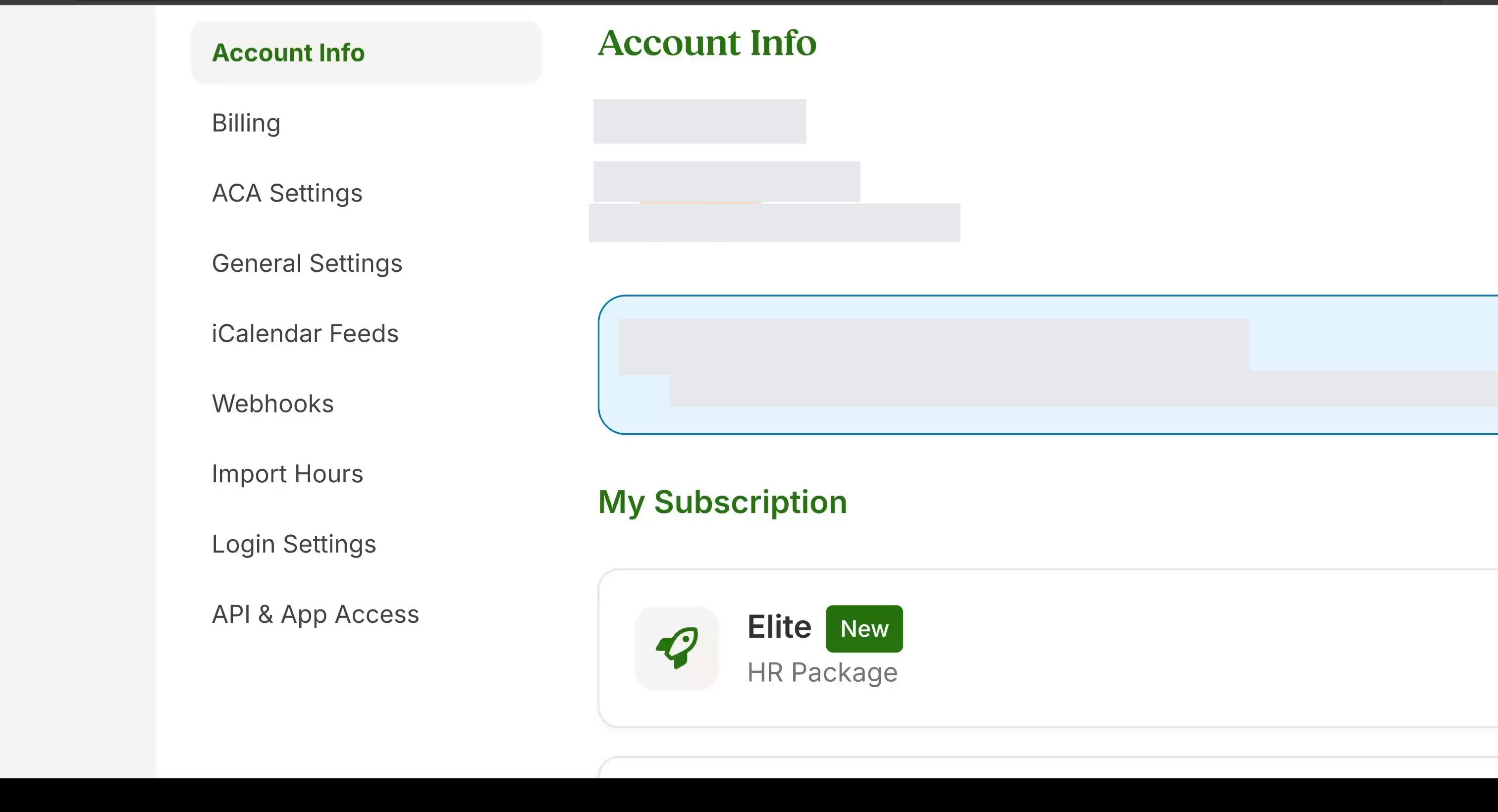
In BambooHR, open Settings and select Account Info to find your company's BambooHR web address.
Copy your BambooHR subdomain, in the format yourcompanyname.bamboohr.com.
Paste the subdomain into WorkMind and click Connect.
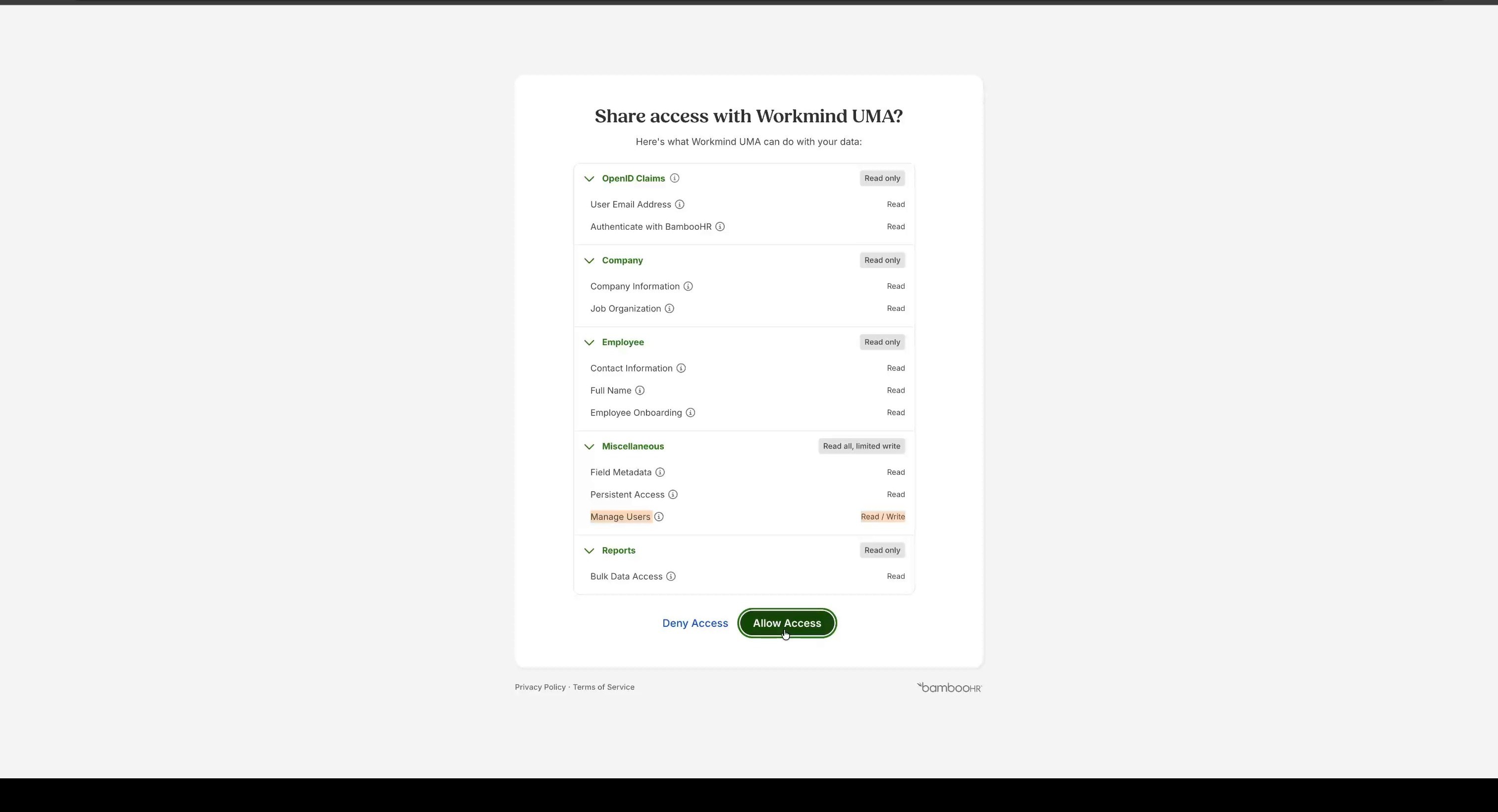
When prompted, sign in with your BambooHR account.

Review the requested permissions and click Allow Access to authorize the connection.
Next Steps
After connecting BambooHR, sync roles with UMA. Connect your other systems from their own guides: Google Workspace and Slack.